
Ask any team that has tried to deploy AI what slowed them down, and the answer is usually data. The model was fine. The use case made sense. But the customer records had duplicates, the contracts were scanned images, the ERP could only export a spreadsheet once a week, and nobody was sure who owned the product catalog.
Data readiness for AI is the work of making sure the data a use case needs is findable, accessible, accurate enough, and safe to use. It does not require a perfect data warehouse or a multi-year program. It requires a focused effort tied to the AI use cases you actually plan to build.
This guide is for CIOs, data leaders, and operations executives at mid-market companies. It explains what AI-ready data looks like, how to assess your current state, and a step-by-step plan to prepare your data for your first AI projects.
What AI-ready data means
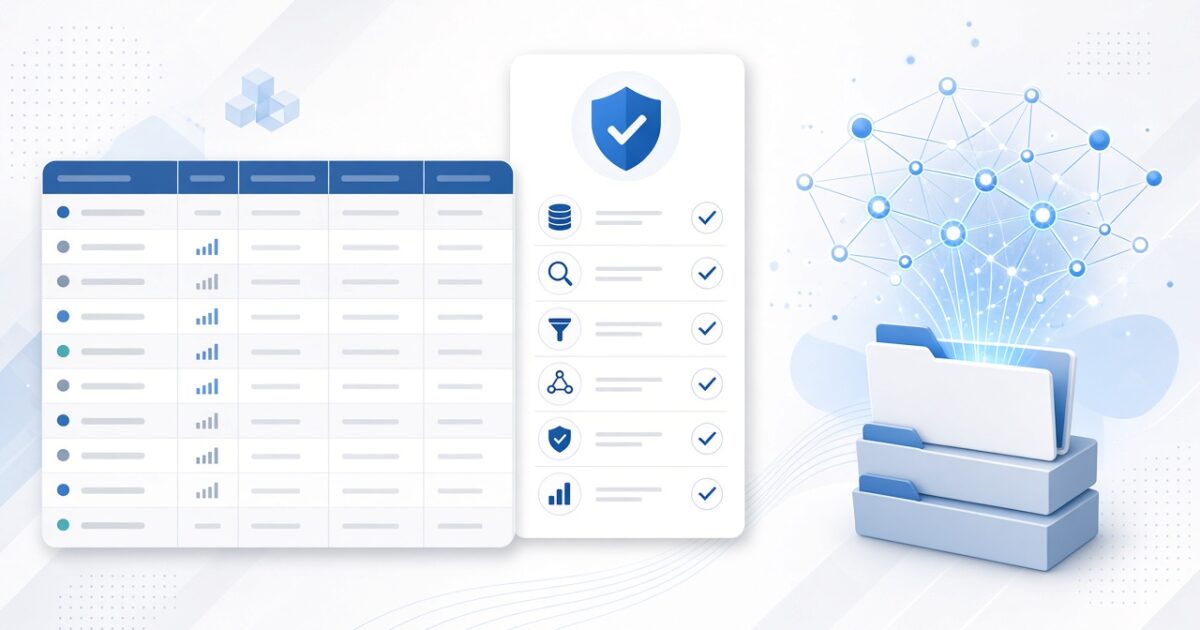
AI-ready data has six qualities.
It is known. You know where it lives, what it contains, and who owns it.
It is accessible. Systems can reach it through APIs, reliable exports, or a shared data platform, without manual effort.
It is accurate enough. It does not need to be perfect, but it must be good enough that AI outputs can be trusted for the use case. The bar is higher for a customer-facing answer than for an internal first draft.
It is consistent. The same customer, product, location, or account has the same ID and definition across systems.
It is current. It is updated often enough for the use case. A daily refresh may be fine for reporting but not for a real-time customer assistant.
It is governed. You know who can access it, what it can be used for, and how sensitive it is.
Why data readiness should be tied to use cases
A common mistake is trying to make all data AI-ready before starting any AI work. That turns into a long, expensive program with no visible results. A better approach is to start from the use cases on your roadmap and prepare the data each one needs.
If your first use case is invoice processing, you need invoices, vendor master data, purchase orders, and GL codes. If it is a customer service assistant, you need help content, policies, product data, and access to order or account records. Each use case defines a manageable slice of data work.
Over time, those slices add up to a strong data foundation. This is the same idea behind a good AI readiness assessment, which scores data readiness by use case, not just company-wide.
Structured vs. unstructured data
Structured data
Structured data lives in tables: transactions, customer records, inventory, financials, reservations, claims. It powers forecasting, machine learning, reporting, and AI agents that look up facts. Its common problems are duplicates, inconsistent IDs, missing fields, and data split across systems.
Unstructured data
Unstructured data includes documents, contracts, emails, PDFs, scanned forms, call transcripts, images, and knowledge base articles. Generative AI is especially good at working with it, but it needs preparation: converting scans to text, removing outdated versions, organizing by topic, tagging with metadata, and controlling who can see what.
Most valuable AI use cases combine both. A lease assistant reads the lease document and looks up the tenant’s account. A revenue cycle tool reads clinical notes and checks claim history. Plan for both from the start.
Step 1: inventory the data for your priority use cases
For each of your top use cases, list the data it needs, where that data lives, who owns it, how it can be accessed, and how often it changes. A simple spreadsheet works. This step alone often reveals surprises, such as a critical data set that lives only in one person’s spreadsheet.
Step 2: assess quality
Sample the data and check it against what the use case needs. Look for completeness, meaning required fields that are filled in; accuracy, meaning values that match reality; consistency, meaning the same entity recorded the same way across systems; duplicates; and timeliness. Score each data set as ready, fixable, or blocking.
For unstructured data, check whether documents are text-searchable, whether outdated versions are mixed in, whether there is a single source of truth for policies and procedures, and whether sensitive documents are labeled.
Step 3: fix what matters most
Do not try to fix everything. Fix the issues that block your first use cases. Common fixes include standardizing IDs across systems, merging duplicate records, filling key missing fields, archiving outdated documents, converting scanned files to text, and creating a single approved version of key policies.
Assign an owner to each fix and to the ongoing quality of each data set. Data quality decays without someone responsible for it.
Step 4: make data accessible
AI tools need reliable access to data. Options include connecting directly to source systems through APIs, building pipelines into a central data platform, or both. For unstructured data, that usually means a document repository connected to a search and retrieval system that AI can use.
Older systems often need extra work. Our guide on how to integrate AI with legacy systems covers the patterns, and our list of the best data engineering consulting firms covers partners who build this plumbing.
Step 5: set governance and security rules
Before AI touches the data, decide who can access it, what it can be used for, and how sensitive it is. Classify data into simple levels, such as public, internal, confidential, and regulated. Decide which AI tools can use which levels. Confirm that vendors will not train shared models on your data. Turn on access controls and logging.
Regulated industries need extra care. Healthcare data falls under HIPAA, as covered in our guide to HIPAA-compliant AI. Financial data falls under privacy and model risk rules. Our guide to building an AI governance framework shows how to set light, practical rules that do not slow every project down.
Step 6: prepare data for the specific AI technique
Different AI approaches need data in different shapes.
Machine learning needs historical data with known outcomes, such as past orders with whether they were returned or past claims with whether they were denied, plus features engineered from that history.
Retrieval-based assistants, which answer questions from your documents, need documents broken into well-organized sections, tagged with metadata, and indexed so the AI can find the right passage and cite it.
AI agents that take actions need clean, well-defined access to the systems they act on, with clear rules about what they can read and change.
Reporting and natural language BI need consistent definitions and data models. Our list of the best business intelligence consulting firms covers partners who build that layer.
Step 7: monitor and maintain
Data readiness is not a one-time project. Add automated checks for missing, late, or unusual data. Track the quality of AI outputs, because a drop in accuracy often points to a data problem. Review data owners and access rights regularly. Update document collections as policies and products change.
Common data readiness mistakes
Trying to clean all data before starting any AI work.
Ignoring unstructured data until late in the project.
Treating data quality as an IT problem when the business owns the meaning of the data.
Skipping governance and then discovering sensitive data in AI logs.
Forgetting that data must stay current after launch.
Building one-off data extracts for each project instead of reusable pipelines.
Data readiness by industry
In healthcare, priority data often includes claims, denials, clinical documentation, and scheduling, all of it regulated. Revenue cycle is a common place to start, as covered in our guide to AI in healthcare revenue cycle management.
In hospitality, priority data lives in the property management system, central reservations, revenue management, and guest messaging tools. Our guide to AI for hotel revenue management shows how that data comes together.
In commercial real estate and property management, priority data includes leases, rent rolls, work orders, and property financials. Our guide to AI for property management covers the common data problems in that industry.
In education, priority data includes the learning platform, student information system, and enrollment and outcomes data.
A 60-day data readiness sprint
Weeks 1 to 2
Pick one to three priority use cases. Inventory the data each needs and assign owners.
Weeks 3 to 4
Sample and score data quality. Identify blocking issues and agree on fixes.
Weeks 5 to 6
Fix the blocking issues, set up access through APIs or pipelines, and apply governance rules.
Weeks 7 to 8
Run the first use case on real data, measure output quality, and set up monitoring. Use what you learned to plan the next slice of data work.
How to know your data is ready
A simple test works well. Take a sample of real cases for your use case, such as fifty invoices, fifty customer questions, or fifty leases, and run them through a prototype. Check the outputs against what an experienced employee would have produced. If most errors trace back to the data, such as missing fields, outdated documents, or mismatched records, keep fixing the data. If most errors trace back to the AI setup, the data is ready and the work shifts to tuning the solution.
Also check the practical side. Can the AI reach the data without someone exporting it by hand? Will the data stay current after launch? Does someone own its quality? Are access rules in place? If the answer to all four is yes, you are ready to build.
The role of business teams
Data readiness is often treated as an IT project, but business teams hold most of the knowledge it needs. They know which fields matter, which records are wrong, which documents are current, and what a correct output looks like. Ask each business owner to name a data steward for their area, to review sample outputs, and to approve definitions. That small time investment prevents months of rework.
Budgeting for data readiness
Data work is often the largest hidden cost in an AI project. When you budget, include time from business data stewards, not just technical staff, along with pipeline and platform costs, document cleanup, and ongoing monitoring. A useful rule is to estimate the data work for each use case before approving the build, so the true cost is visible from the start.
Frequently asked questions
What is data readiness for AI?
It is the work of making sure the data an AI use case needs is known, accessible, accurate enough, consistent, current, and governed.
Do we need a data warehouse before using AI?
Not for every use case. Many first projects connect directly to source systems or a document repository. A central data platform helps as you scale to more use cases.
How clean does data need to be for AI?
Clean enough for the use case. Internal first drafts can tolerate more imperfection than customer-facing answers or financial decisions. Test outputs on real data to find the bar.
How long does it take to make data AI-ready?
A focused effort for one to three use cases often takes six to eight weeks. Broader data foundations are built over time, one use case at a time.
Who should own data readiness?
Business teams should own the meaning and quality of their data. IT or data teams should own the platforms, pipelines, and security. Both need a shared plan tied to the AI roadmap.
How Xcelacore AI helps
Xcelacore AI helps mid-market companies get their data ready for AI as part of a Plan, Build, Deliver approach. We assess data readiness for your priority use cases, fix what blocks them, build the pipelines and retrieval systems AI needs, and set up governance that keeps data safe. Our guide on how to build an AI roadmap shows how data work fits into the wider plan.
